
Why logging method matters more than database size
Most comparisons open with database size. MyFitnessPal’s crowdsourced library is enormous. Cronometer’s is smaller but more rigorously verified. Those numbers only help if you open the app after every meal — and how the app asks you to log is what decides whether you do.
Studies on digital health behavior suggest that around 77% of users abandon food tracking apps within the first 30 days, and roughly 70% drop off within two weeks when an app feels too complex to use consistently. Motivation is often not the bottleneck; the logging experience is.
Manual text search creates a small decision spiral every time: search, scroll, guess which entry matches your portion, adjust quantity, repeat for each part of the meal. Behavior-design work (including the motivation–ability–prompt model from Stanford’s Dr. BJ Fogg) shows that extra steps compound the odds someone drops the habit. Logging friction is that kind of barrier.
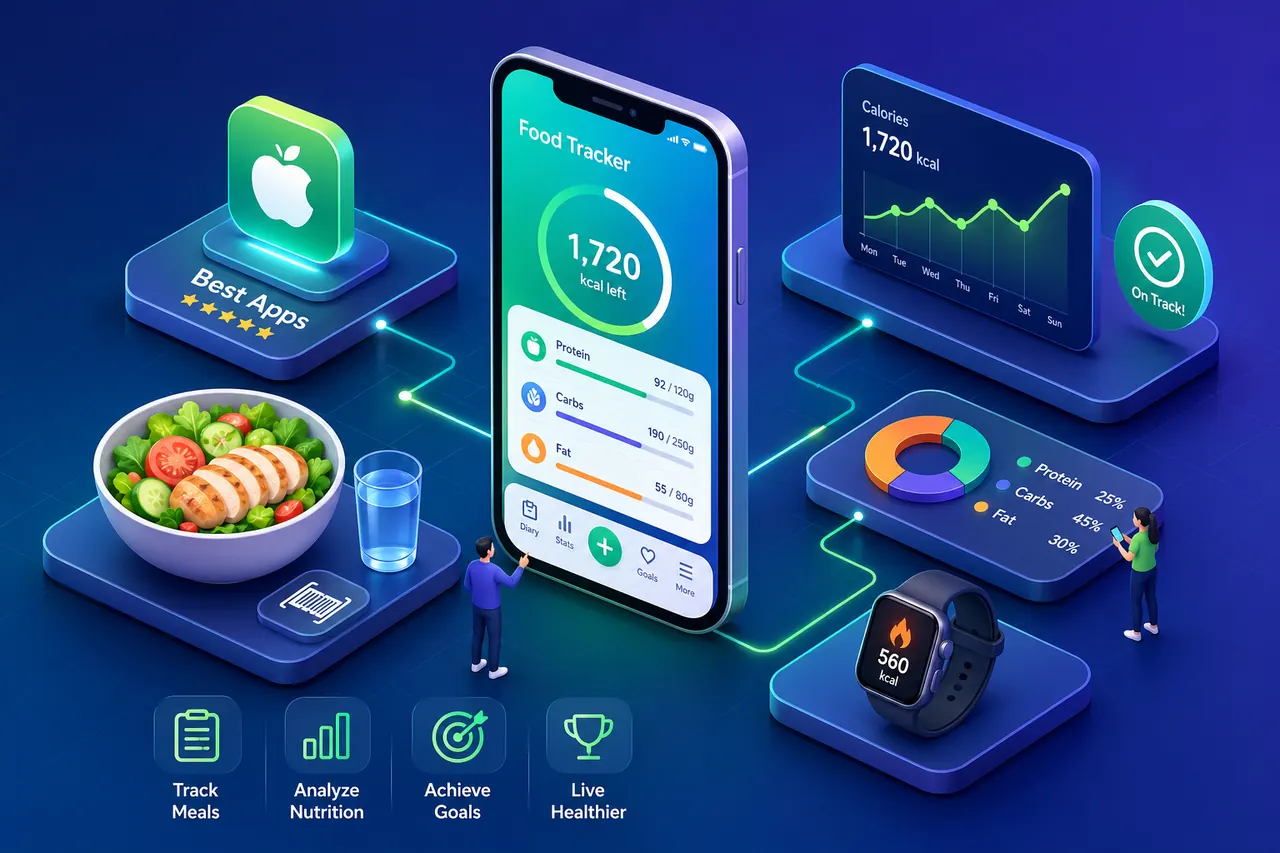
Food tracking on iOS usually falls into three buckets: manual search (most common, most friction), barcode scanning (fast for packaged food, useless for home-cooked or restaurant meals), and photo / AI-assisted logging (snap a picture and let the app infer the rest). The right choice matches how you actually eat.
How top food tracking iOS apps log your meals
MyFitnessPal leans on its crowdsourced database for manual search and barcode scanning. Barcode mode works well for packaged goods; manual search is where friction stacks up fast.
Cronometer takes a verified, data-first approach: a smaller but more reliable database and strong micronutrient reporting. It can be slower to use, but more dependable when precision matters.
FatSecret offers a capable free tier with barcode scanning included — a solid manual-entry option without an immediate paywall.
MyNetDiary sits in a similar lane: a strong free calorie counter with broad database coverage, best when you rotate through a predictable set of foods.
On the photo and AI side, Eattie is built so the database scroll is not the center of the experience: you photograph the meal, the AI identifies foods and estimates nutrition in seconds, and you can follow up in plain language with an AI coach (for example whether lunch fits your goal for the day).
Lose It! offers a “Snap It” photo feature on top of a traditional manual-entry structure — more hybrid than fully reimagined.
Yazio combines AI photo recognition with tools like fasting tracking. If you eat varied, mixed meals often, photo-first workflows can shrink logging from minutes to seconds when conditions are good.
Choosing a method that fits your eating habits
Quick test: think about your last five meals. How many had a barcode? How many were restaurant or home-cooked with mixed ingredients? If most are the latter, a database-first flow creates friction on almost every entry. A photo-oriented flow avoids forcing you to break the dish into line items.
Accuracy: photo recognition vs crowdsourced databases
Photo-based apps raise a fair question: how reliable are snapshot estimates if you care about calorie targets? Independent analyses have reported strong accuracy on simple items and meaningful ranges on mixed dishes — for example, work from Purdue University has cited AI meal-photo scanners exceeding 90% accuracy on single-ingredient foods and roughly 70–80% on mixed plates (figures vary by study setup). Peer-reviewed research has also placed photo-based estimates within a moderate band of variation versus trained human estimates for many meals.
For many people, consistency over a week or two matters more than single-meal perfection. The meals that confuse photo models often confuse manual estimates too.
Manual and barcode paths can feel precise, but crowdsourced databases carry their own risk: duplicate entries, wrong portions, and mislabeled items. Smaller verified databases reduce that risk but push you back toward manual guessing for edge cases.
Pricing and privacy
Pricing varies widely, and the free tier quality does not always track the headline subscription price. FatSecret is often cited as a strong free experience (including macro tracking and barcode). Cronometer’s free tier works for many micronutrient needs; paid tiers add reporting depth. Some large brands put core features (barcode, planning) behind premium — check the App Store for current numbers.
Eattie’s App Store listing lets you try it free with a free tier — a low-commitment way to compare photo-first logging against your real meals before upgrading to Pro.
Privacy practices differ a lot. Some apps emphasize on-device storage or stricter policies; others collect broader data types. It is worth reading the App Privacy labels and privacy policy before you commit health data — a minute upfront can prevent surprises later.
Matching an app to your goal
- Micronutrient depth and verified data: Cronometer.
- Keto / net carbs: Carb Manager.
- Mostly packaged foods, strong free tier: FatSecret.
- Privacy-first on Apple: FoodNoms.
- Minimal daily friction, conversational coaching, Apple-native flow: Eattie — built for people who have bounced off database-heavy trackers.
Try Eattie in five minutes
If you want to test photo-first logging on your actual week:
- Download Eattie from the App Store and try it free.
- Set your goal (weight loss, muscle gain, or healthier eating).
- Photograph your next meal to log it in seconds.
- Ask the AI coach a question about what you ate.
- Use the free tier for a week, then upgrade to Pro only if you want unlimited coaching.
The bottom line
The gap between old-school manual trackers and photo-based AI apps is wide enough to change whether the habit lasts. Cronometer and FatSecret remain excellent for data-focused users willing to invest time in logging. Database-first giants still win on sheer catalog breadth — and sometimes on price tiers. For many iPhone users who want to eat better without a second job of data entry, photo-first food tracking changes the equation: when logging stops feeling like work, the habit is far more likely to stick.
Related comparisons
- Eattie vs MyFitnessPal — photo-first AI logging vs the classic database tracker.
- Eattie vs Cal AI — two AI calorie counters compared.
Note: App features and pricing change. Confirm details in each app’s App Store listing. This article is general information, not medical advice; for conditions, allergies, or medications, talk to a qualified professional.